
 (2).png)
Welcome, Montgomery County Educators!
We're excited to be working with Montgomery County Public School’s Two-Way Immersion Program and support you and your students. Below are short tutorial videos to help you get started and begin exploring Kids Discover Online.
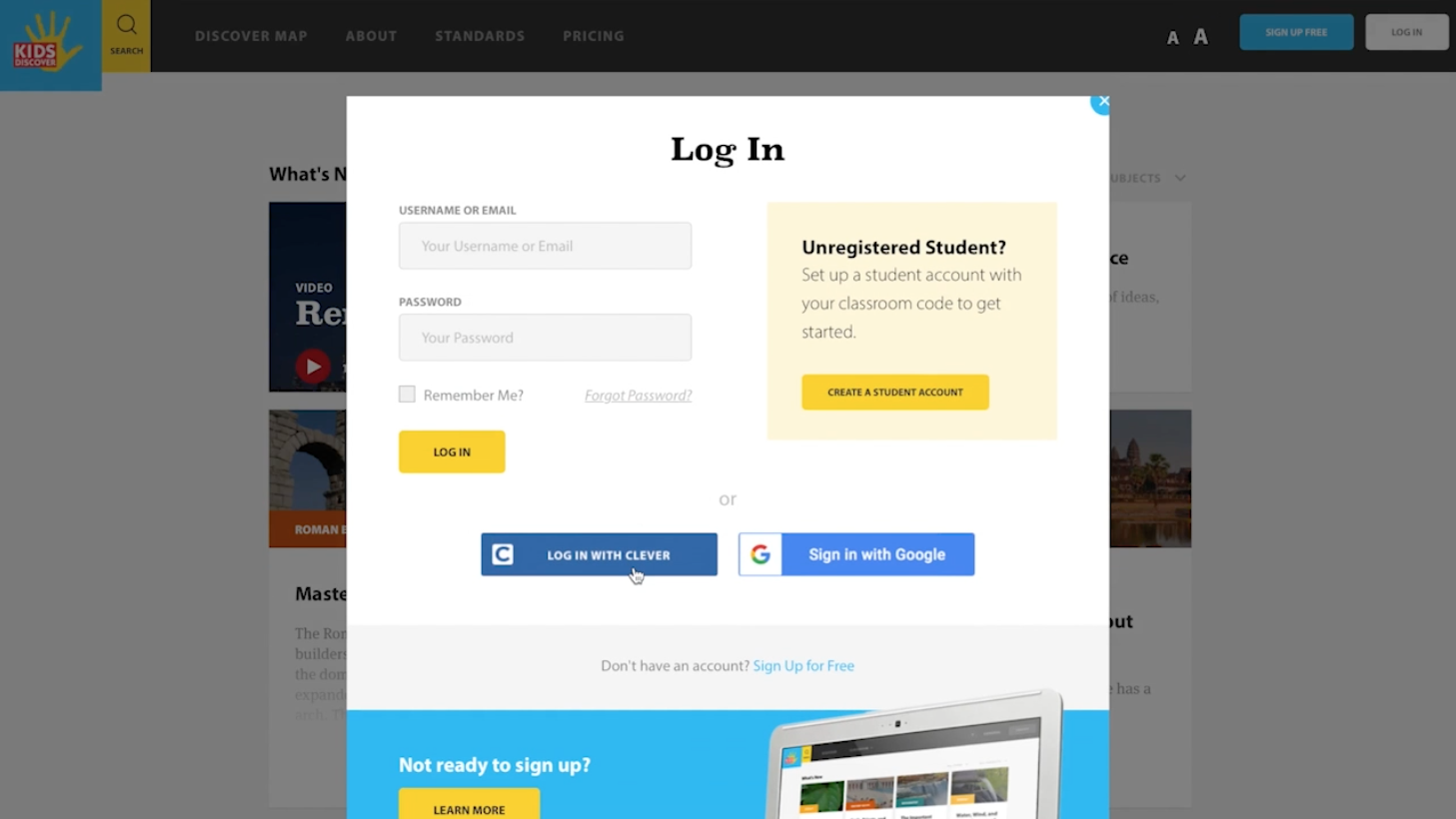
Getting Started
Learn how to login using Clever, and invite your students to join—who can also use Clever!
Duration: 1 minute
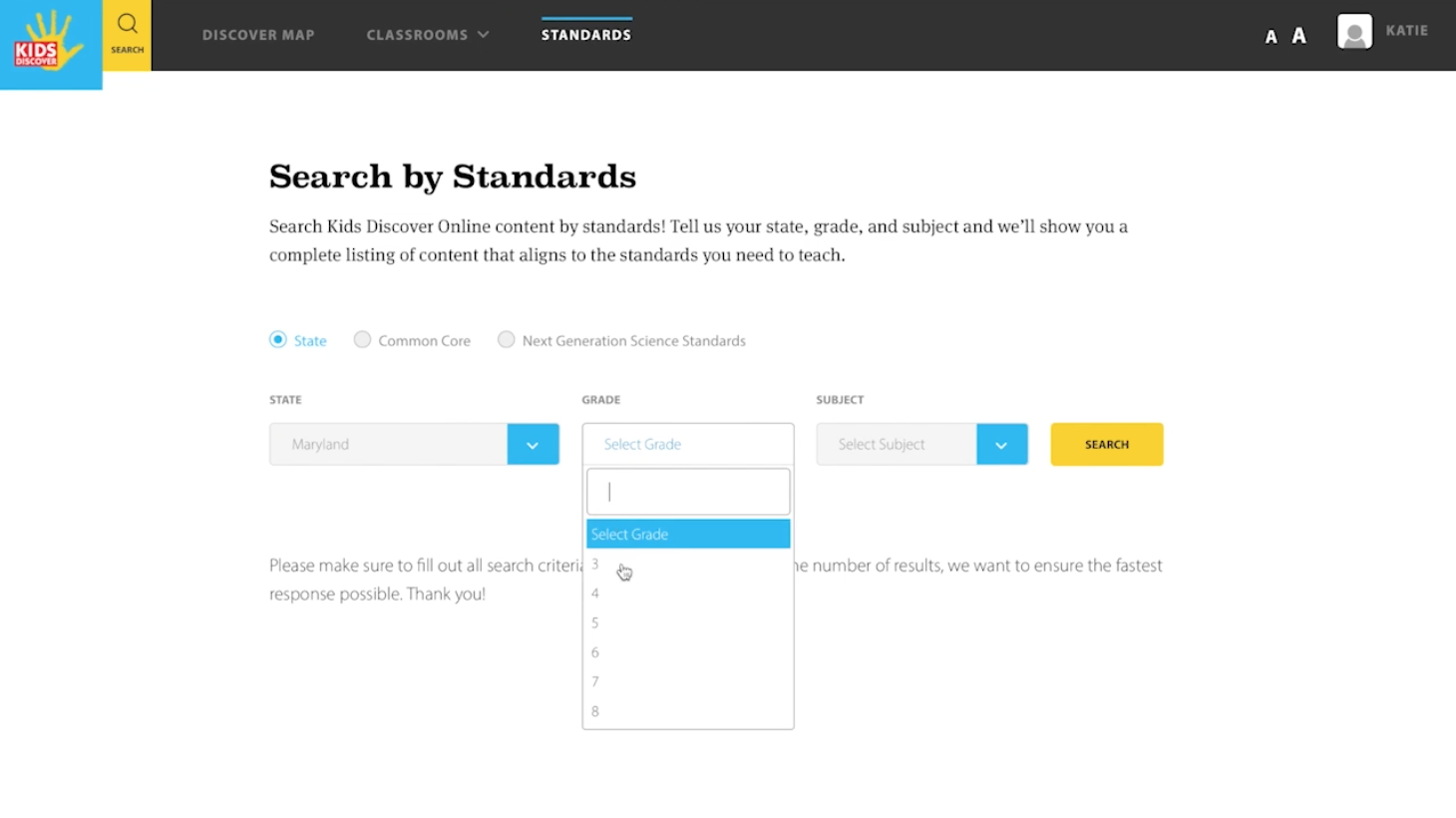
Finding Materials
Learn the different ways to search our library; by subject area, your state’s standards, or keyword/phrase.
Duration: 3 minutes
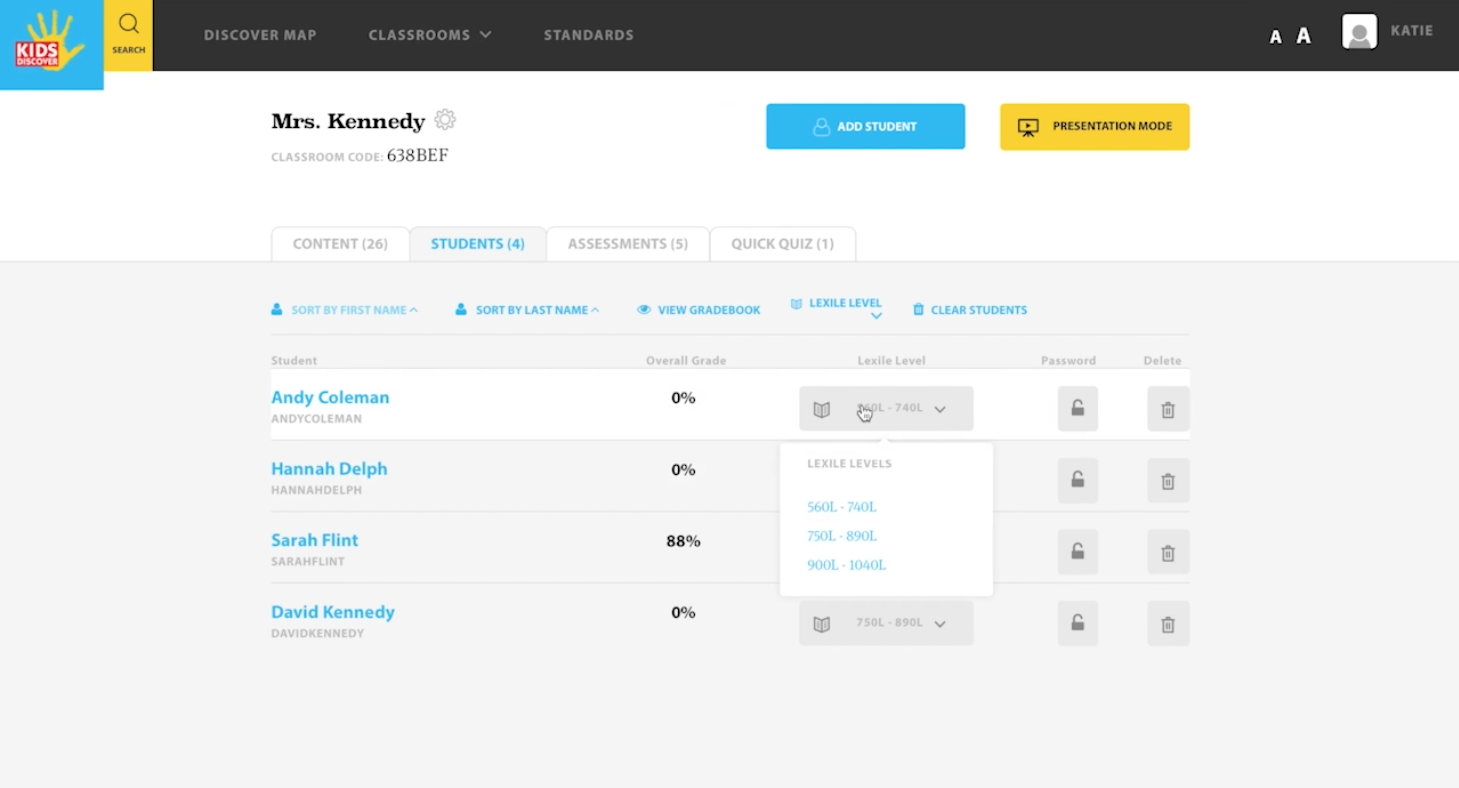
Your Classroom
Manage the materials you’ve assigned to students, your student roster and individual student settings.
Duration: 3 minutes
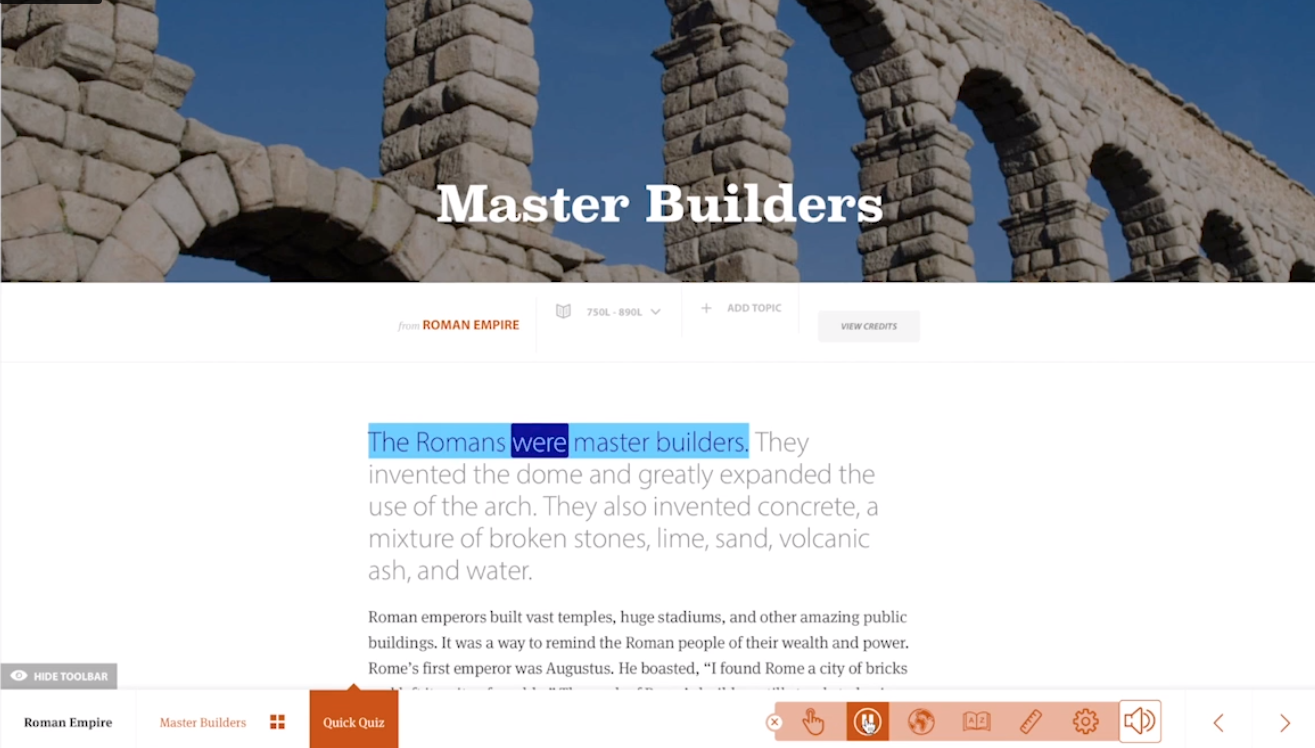
In-Article Features
See how students can change their reading level, or use the text-to-speech read-aloud, translation and dictionary features.
Duration: 3 minutes
Registration, Account Details, and Discover Map
How to register a Free Educator Account
Learn how to register for a free Educator Account on Kids Discover Online, perfect for individual teachers and equipped with a digital classroom of up to 34 students.
Duration: 2 minutes
How to register for a Student Account
Learn how to register a free Student Account on Kids Discover Online. Students can register using a Classroom Code, or educators can invite students using a custom registration link from their Classroom.
Duration: 1 minute
How to Update your Account Details
Learn how to update your Kids Discover Online account details, such as first and last name, username and password, and select a fitting avatar image too!
Duration: 1 minute
How to utilize the Discover Map
Learn how to navigate our Discover Map! With a responsive web of Topics and Units, students will begin to make cross-curricular connections across science and social studies. Also, a great way to promote student-led, inquiry-based learning!
Duration: 1 minute
Classroom, Students, and Assigning Reading
How to Create and Manage Your Classroom
Learn how to create and manage your Kids Discover Online Classroom! This is where your students will find reading and assessments you assign to them. Use your Classroom Code to invite students to join!
Duration: 1 minute
How to add students to my Classroom
Learn how to add students to your Classroom using your unique classroom code. Students can use Clever or Google to join!
Duration: 1 minute
How to add content to my Classroom
Learn how to add content to your Kids Discover Online Classroom. You can search our library of science and social studies material utilizing our traditional search bar or other features, and assign reading for your students.
Duration: 2 minutes
How to Manage Content in my Classroom
Learn how to organize and delete content in your Kids Discover Online Classroom. Your Classroom is designed to be a collection of material you and your students are currently working on.
Duration: 1 minute
How to download Lesson Plans
Learn how to download Kids Discover's free Lesson Plans: our 12-page Teacher's Guides and 16-page Power Vocabulary packets. Each is packed with quiz questions, lesson ideas, and activities for your students.
Duration: 1 minute
How to utilize Folders
Learn how to access and use Kids Discover Online Folders--designed to store relevant content and build lessons you can use in the future. When you're ready to introduce the material to students, easily transfer material to your Classrooms.
Duration: 2 minutes
How to assign individual reading levels
Learn how to use Kids Discover Online to assign individual reading levels to your students. You'll find 3 different Lexile Reading levels for all Topics across our library.
Duration: 1 minute
Managing your Students' Accounts
Learn how to manage your student's Kids Discover Online accounts, reset their passwords, or delete the account entirely, all from your Kids Discover Online Classroom.
Duration: 1 minute
Assessments, Quizzes, and Gradebook
How to Create a new Assessment
Learn how to create a new Assessment in Kids Discover Online. Tap into a library of over 8,000 pre-written True/False Multiple Choice, Short Answer, and Discussion questions. Or, create your own custom questions and assign point values to each question.
Duration: 2 minutes
Manage, Grade, and Re-Assign Assessments
Learn how to manage, grade and re-assign Assessments in Kids Discover Online. True/False & Multiple Choice questions are automatically graded, while short answer and discussion questions are graded manually. Leave encouraging comments along the way for your students!
Duration: 2 minutes
How to Preview and Launch an Assessment
Learn how to preview your Kids Discover Online Assessments before launching them to your students. Assessments can be launched and completed by your students either online or offline.
Duration: 2 minutes
How to Rename or Duplicate an Assessments
Learn how to duplicate an existing Assessment in Kids Discover Online, then edit and rename it.
Duration: 1 minute
How to create a PDF Assessment
Learn how to create print-ready PDFs of your Kids Discover Online Assessments, perfect for administering assessments to your students offline.
Duration: 1 minute
How to view Assessment Answer Keys
Learn how to view Assessment answer keys in Kids Discover Online and convert them into PDFs for easy printing.
Duration: 1 minute
How to delete Assessments
Learn how to close and delete existing Assessments in your Kids Discover Online Classroom.
Duration: 1 minute

How to Create a Closed-Book Assessment
Learn how to create closed-book Assessments in Kids Discover Online. By default, Assessments are all open book, but you have the option to lock students of the reading while they're being assessed.
Duration: 1 minute
How to view Individual Student Grades/Answers
Learn how to view Assessment grades and answers for each individual student from your Kids Discover Online Classroom.
Duration: 1 minute
How to enable Quick Quiz
Learn how to enable our Quick Quiz feature across different Topics in Kids Discover Online. This is a fast and easy way to launch a pre-made Quiz, perfect for checking your students' comprehension of the material.
Duration: 1 minute
How to view Quick Quiz grades & re-assign
Learn how to view your students' Quick Quiz results from within your Kids Discover Online Classroom, as well as how to re-assign a retake quiz to individual students.
Duration: 1 minute
Standards-aligned Materials for Maryland
Materials for Montgomery County science and social studies curriculums!
We've gathered the below Units of study on Kids Discover Online that align with Maryland state standards:
